Coolify Dashboard Broken After Upgrade? Purge Two Files in Cloudflare
I’ve upgraded Coolify twice this week, on two different servers, and both times the dashboard was unusable afterwards. The fix both times was purging two JavaScript files from the Cloudflare cache. This is a note for future me, and for anyone else running Coolify behind Cloudflare.
What it looks like
After the upgrade finished, the dashboard loaded but nothing worked. Clicking around did nothing, and there was a “Cannot connect to real-time service” banner at the bottom of the page.
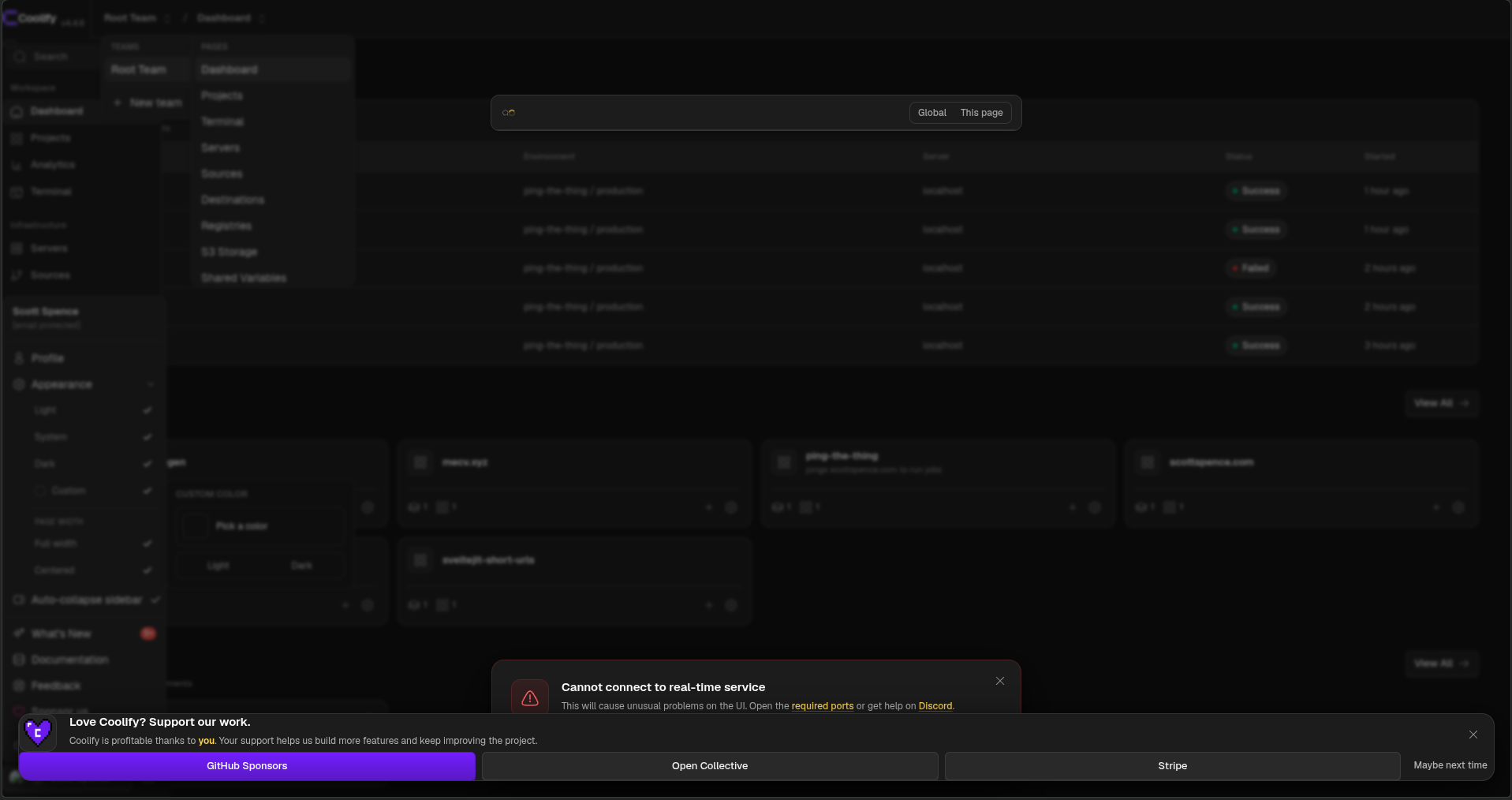
The server itself was fine. All the containers were up and healthy, my
sites were responding, and the browser console showed JavaScript
failing on privateChannel.
What’s going on
The Coolify dashboard loads two files from fixed URLs:
/js/echo.js/js/pusher.js
There’s no hash or version in the file names, and Coolify doesn’t send
any cache headers for them. With no cache headers, Cloudflare caches .js files for its default edge TTL of two hours.
The upgrade button is in the dashboard, so those files are already in
the Cloudflare cache when the upgrade starts. On my server the cached
copy of echo.js was from a minute before I clicked upgrade.
I went from 4.0.0-beta.459 to 4.4.6. Somewhere in between, the
separate coolify-realtime container went away and the real-time
service moved into Coolify itself. The old echo.js doesn’t work with
the new setup, so the dashboard falls over on load.
A hard refresh doesn’t fix it. That only skips the copy in the browser, Cloudflare still serves the old file.
The fix
In the Cloudflare dashboard for the domain Coolify runs on:
- Go to Caching > Configuration.
- Click Custom Purge and pick URL.
- Add both files, one per line:
1https://your-coolify-domain/js/echo.js
2https://your-coolify-domain/js/pusher.js- Click Purge, then hard reload the dashboard.
That’s it, no need to restart anything on the server. I did restart my Hetzner server first, which didn’t help, because the problem was never on the server.
To check it’s worked, compare the file Cloudflare serves with the one on the server:
1# through Cloudflare
2curl -s https://your-coolify-domain/js/echo.js | md5sum
3
4# on the server
5curl -s http://localhost:8000/js/echo.js | md5sum
If the hashes match, you’re good. You can also look at the cf-cache-status and last-modified headers with curl -I. Before
the purge mine showed HIT with a last-modified from December 2025.
The other option is to wait two hours for the cache to expire.
Stopping it happening again
I haven’t done this yet, but a Cloudflare Cache Rule that bypasses the
cache for /js/echo.js and /js/pusher.js on the Coolify hostname
should stop it from happening on the next upgrade. The files are small
and only the dashboard loads them, so skipping the cache costs
nothing.
Conclusion
If your Coolify dashboard is broken after an upgrade and you’re behind Cloudflare, check the cache before you check the server. Purging two URLs fixed it for me on both servers.
There's a reactions leaderboard you can check out too.
Sign up for the newsletter
Want to keep up to date with what I'm working on?
Join other developers and sign up for the newsletter.
I care about the protection of your data. Read the Privacy Policy for more info.